







Client Types
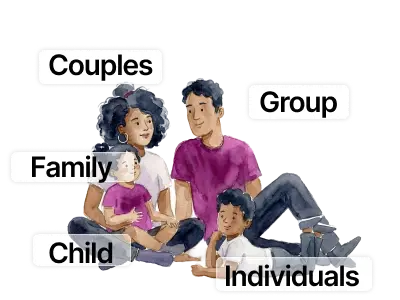
Works for every client type you see.
Individual, Couples, Child, Family and Group (with note per each member).
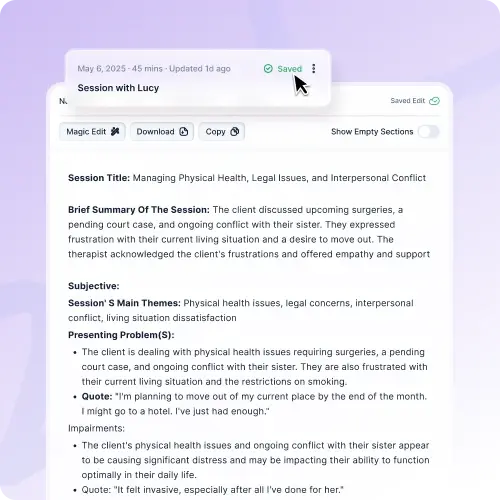
Note Formats
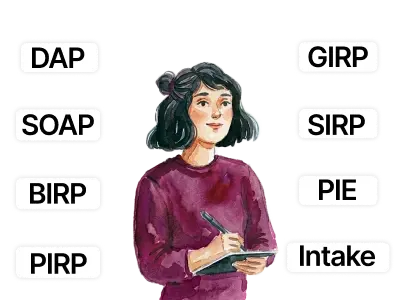
Every format, in your clinical voice. SOAP, DAP, PIRP, SIRP, GIRP, BIRP, PIE, Intake, Custom.

Modalities Covered
CBT, DBT, EMDR, IFS, ACT, Play Therapy, Psychodynamic, and 20+ more. If you practice it, Mentalyc supports it.
Clinician Types
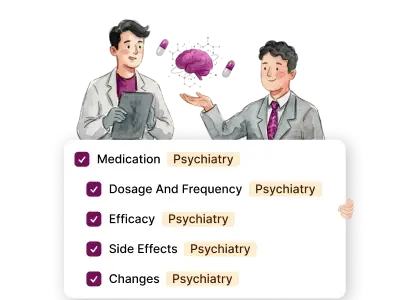
Therapists, Counselors, Social Workers, Psychiatrists, PMHNPs, Behavior Analysts, Psychologists.







.webp)